Anne Frank and Martin Luther King Jr. were born in the same year.
Meet the Librarian, your library's own AI
Try it
Take notes in Spaced Recall and each one comes back right before you'd forget it, a few a day, for the rest of your life. Share the best ones with the people you learn with.
Try it
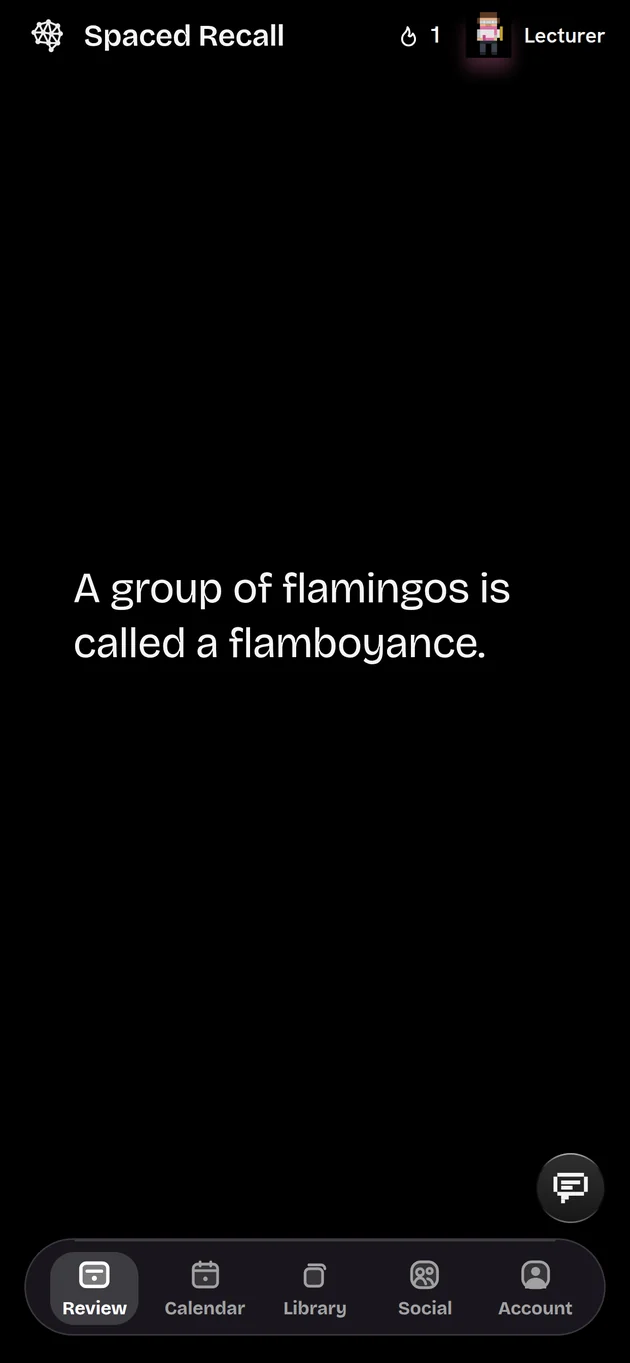
Read it. Swipe up. Done.
A review takes a few seconds. Here are three notes to start you off. Each one tells you when it will be back, and the wait grows every time.
 Spaced Recall
0
Pupil
Swipe up, or tap Got it
01 Take notes
Write it down in seconds. Keep it for decades.
A fact on one line, or a page of notes. Headings, lists, to-dos, quotes and pictures, saved as you type and filed under categories you choose.
- Saved as you type. There is no save button to forget.
- Pictures too. A diagram, a page of a book, a face and a name.
- Categories that stay tidy. Or ask the Librarian to sort them for you.
The Roman Empire, week 3
Augustus became the first emperor in 27 BC.
- Pax Romana: about 200 years of relative peace
- Latin was the language of law and government
"I found Rome a city of bricks and left it a city of marble."
History
First review in 3 days
Try it Click into the note and type.
02 Review for life
Six times in the first year.
Then once a year, for life.
Each note comes back just before you'd forget it, and waits longer every time you remember it. A few minutes a day keeps a whole library.
Today
You write the note.
0reviews so far
0sof your time
The curve is an illustration. The review days are the app's real schedule.
3days
until a new note first comes back.
10months
until it settles into once a year.
1tap
to review it: read it, swipe up, done.
Every day
A few at a time. Never a pile.
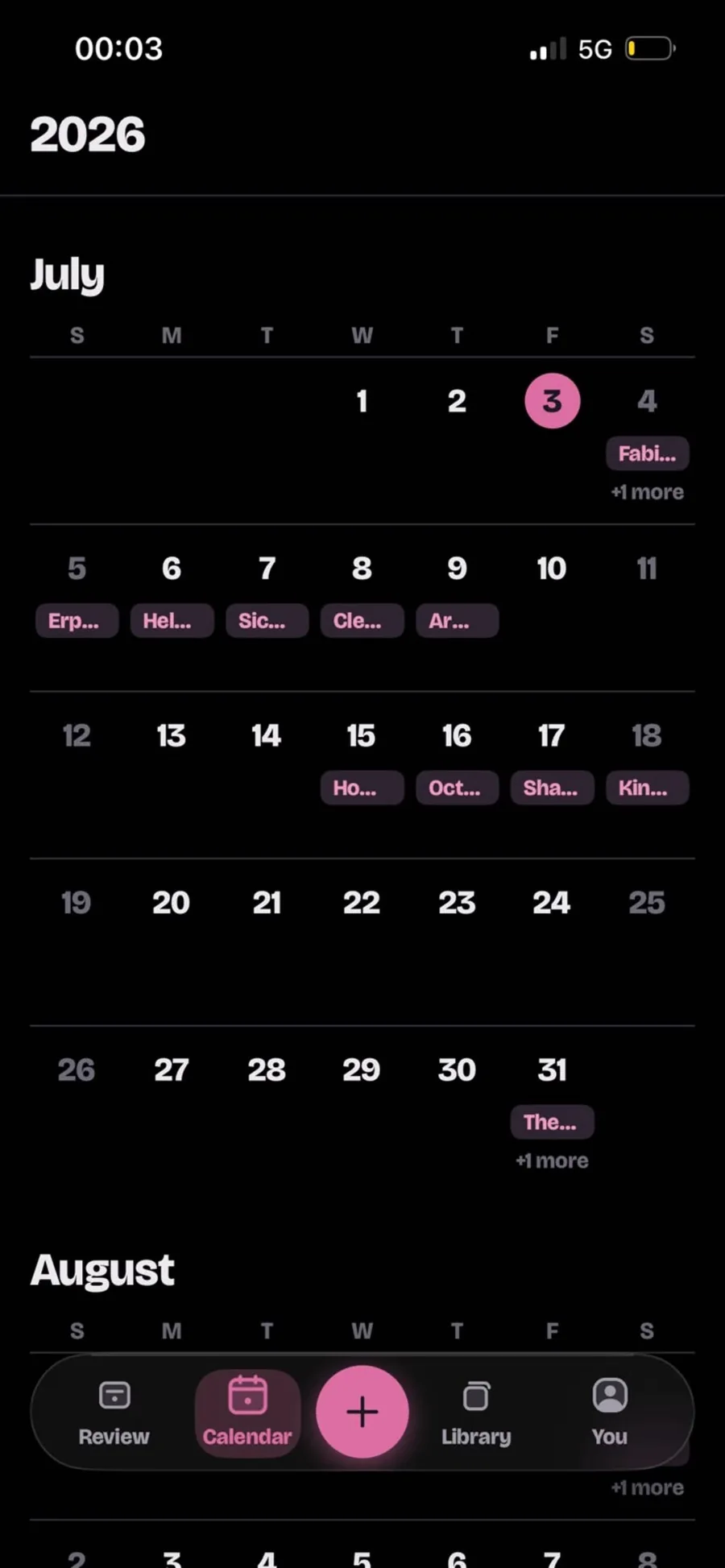
You choose how many reviews a day, and which days are rest days. The calendar shows what's coming, and you can hold any note and drop it on another day.
- A daily limit you set. Miss a day and the backlog is spread out, not dumped on tomorrow.
- Streaks that mean something. A day counts when every review is done.
- Holiday mode. Pause everything and keep your streak while you're away.
03 Share what you know
Learning is better together.
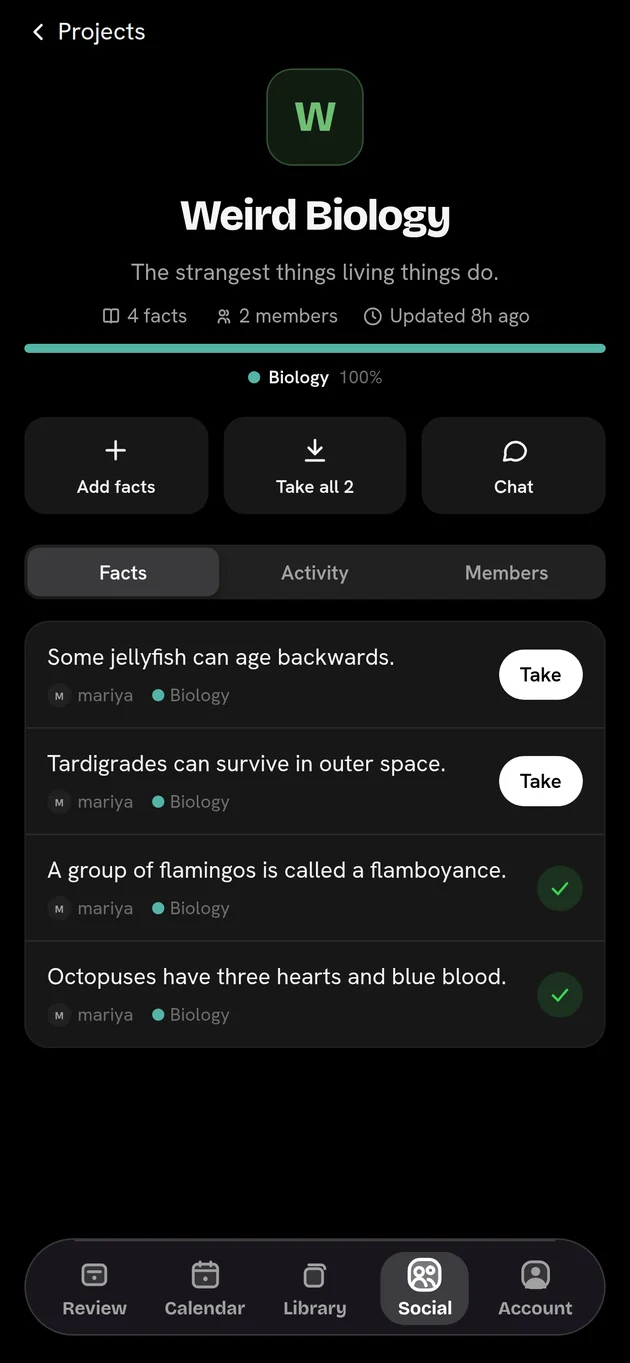
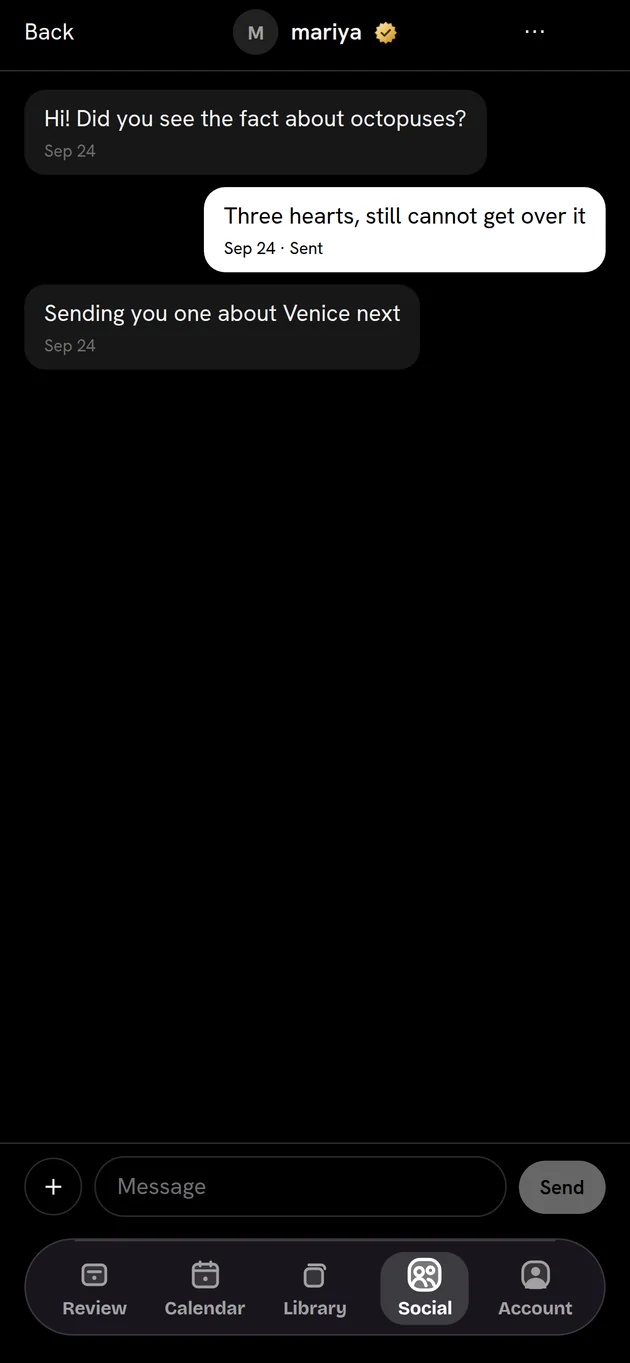
Send a friend the fact that made you stop and think. Trade notes in a group. Build a shared project for a trip, a course or an exam. Anything you're sent joins your own library in one tap.
M
mariya shared 3 facts
Weird Biology
- Crows can remember a human face for years.
- Tardigrades can survive in outer space.
- Some jellyfish can age backwards.
04 The Librarian
An assistant who knows your library.
Ask in plain words. He finds the note you half remember, quizzes you, tidies your categories, moves a review, or sends facts to a friend. Nothing changes until you tap to confirm.
- Your first friend. He sits at the top of your chats, ready before anyone else is.
- Always your call. Every change arrives as a card you approve.
Librarian
Spaced Recall AI
Hi, I'm the Librarian. I know every note in your library. What can I do?
Try it Pick something to ask.
05 A lifetime of learning
From Pupil to Laureate.
Every review counts toward your rank, and the Librarian dresses for it: a scarf, then glasses, a lab coat, a pointer, a mortarboard, a laurel.
Pupil
Where everyone starts
iPhone and the web
Your library, wherever you are.
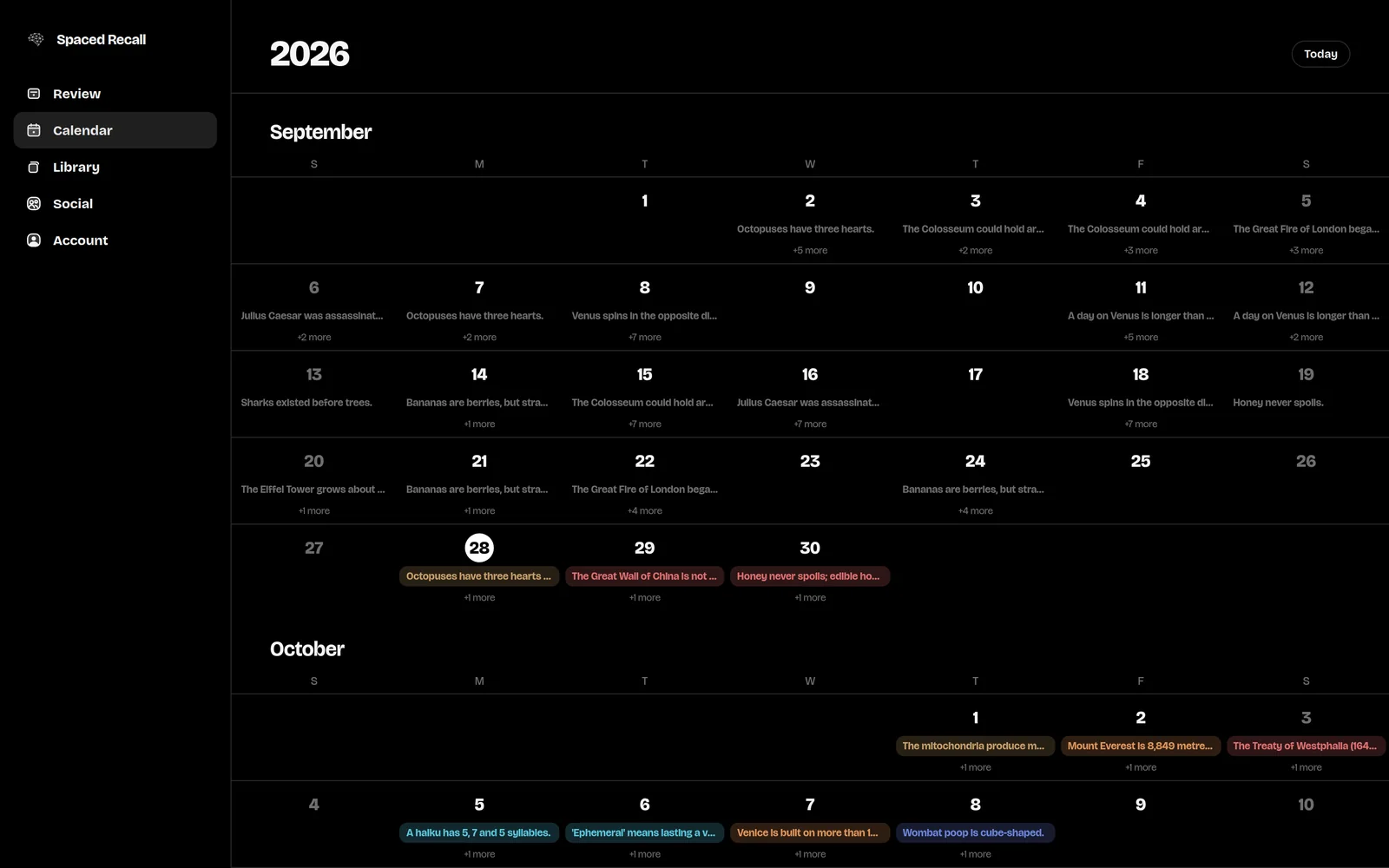
The same notes, calendar and friends on your iPhone and in any browser, kept in step. Start a note on the train, finish it at your desk.
Merch
Wear it. Get asked about it.
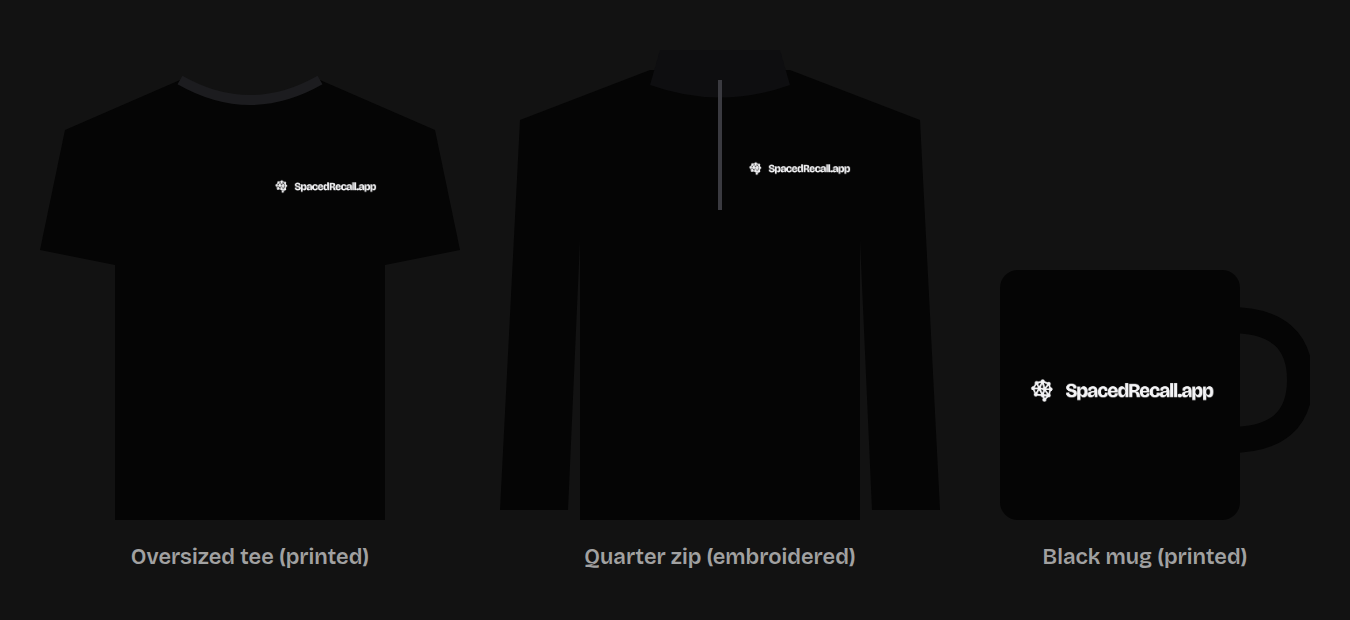
A heavyweight oversized tee, a quarter zip and a mug, in black with the logo small on the chest. Sold at cost, and made when you order it.
Free, with no ads.
Every part of it. An optional tip jar keeps it running.
Your notes are yours.
Export your whole library whenever you like, in a file you keep.
Private by design.
Your conversations with the Librarian stay on your device.
Questions
Spaced Recall, answered.
What is Spaced Recall?
Spaced Recall is a notes app built on spaced repetition. You write down what you want to keep, a fact, a note or a picture, and it brings each one back for review right before you would forget it, a few at a time, every day, for as long as you use it.
Is Spaced Recall free?
Yes. The iPhone app and the web app are free, with no ads and no subscription. There is an optional tip jar if you want to support it.
How often will I see each note?
Three days after you add it, then after a week, two weeks, a month, two months and six months. From then on, once a year. Every review pushes the next one further away, and you never get more than your daily limit.
Can I share notes with friends?
Yes. You can chat with friends, send them facts one at a time or as a set, and build shared projects in groups. Anything you are sent can be added to your own library with one tap.
Can I use it without an iPhone?
Yes. Sign in at spacedrecall.app on any computer and your library, calendar and friends are there. An Android app is not out yet.
How is it different from Anki and other flashcard apps?
There are no decks to build and no answers to grade. You write notes the way you normally would, and Spaced Recall decides when each comes back, never showing you more than your daily limit. The Anki comparison goes into it properly.
What happens if I miss a day?
Nothing piles up. Overdue notes are spread over the next few days inside your daily limit rather than arriving all at once. If you are going away, holiday mode pauses reviews and keeps your streak.
Start your library today.
It takes less time to write a note than to forget one.